Grid & Martingale Backtesting System
Strategy BacktestingA TradingView backtesting strategy for grid and Martingale systems, with adjustable spacing, size multiplier and take profit, and a results table showing drawdown and win rate.
The Logic & Theory
Grid trading places a series of orders at fixed price steps. A long grid keeps buying as price falls and sells the whole position when price recovers a little above the average entry. Martingale means increasing the size of each new order, so the average entry price moves closer to the current price and a smaller recovery is needed to close in profit. The danger is that position size and loss grow quickly in a strong trend, and a long series of small wins can be wiped out by one bad cycle. Backtesting a grid before using real money shows how large the drawdown could have been, but a backtest cannot show every real-world problem, such as gaps, slippage and margin calls.
How Our Custom Tool Helps
This is a TradingView strategy script (Pine Script v6) for testing grid and Martingale ideas on historical data. Each cycle opens a first order and places limit orders for up to 20 extra levels, spaced by a percentage of price, an ATR multiple or a fixed price distance. Each extra level is sized as the first order times a multiplier raised to the level number: a multiplier of 1 gives a plain grid, and a value above 1 gives a Martingale. The whole position closes at a take profit measured from the average entry price, with an optional stop loss beyond the last level. When the position closes, the next cycle starts. You can test a long or a short grid over a date range you choose. A table on the chart shows cycles closed, the win rate of closed cycles, net profit, open profit, maximum drawdown, the most orders open at once and the largest position. A cycle that is still open and in loss is not counted in the win rate, so always read it together with the open profit. Each cycle's grid levels are drawn on the chart, and TradingView shows every entry and exit. Results use candle data, so the order in which price touched levels inside one candle is estimated. Set capital, commission, slippage and margin in the strategy's Properties tab. This is a backtesting tool only. It does not place real trades, and Martingale can lose far more than a backtest shows. It is not financial advice.
Interactive Demo: See the Difference
Drag the slider left and right to see how this tool transforms your chart.
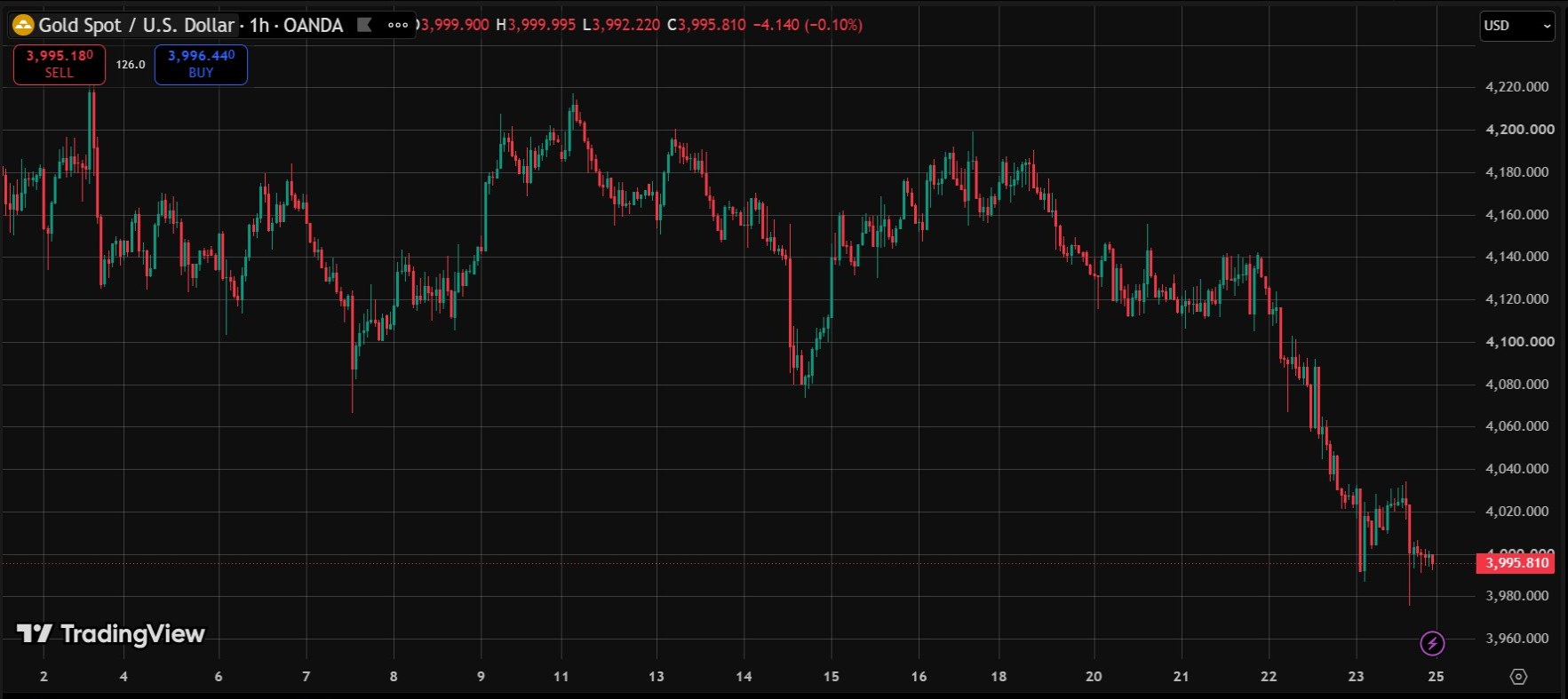
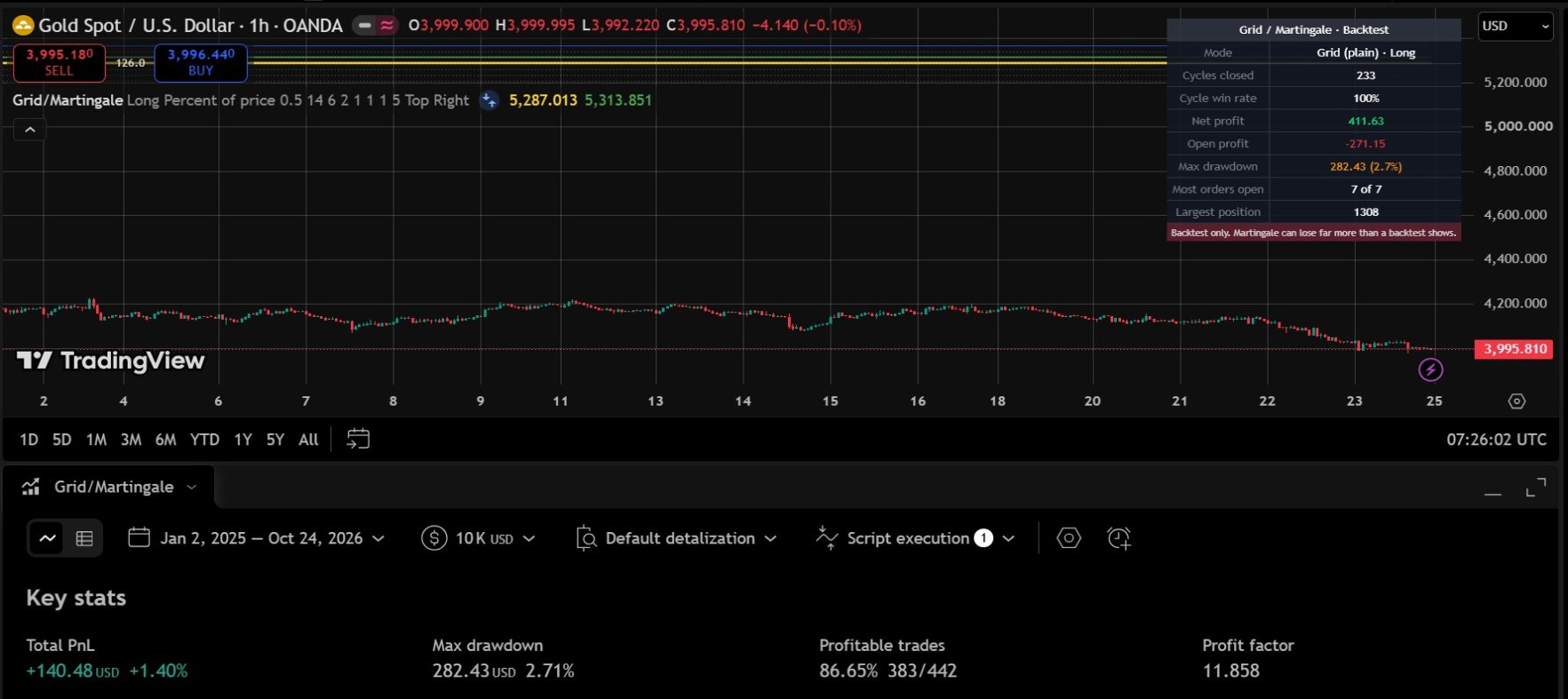
Real screenshots from a live TradingView chart. For education only, not a trading signal.
Premium Features & Alerts
- Long or short grid with up to 20 extra levels
- Spacing by percent of price, ATR multiple or a fixed price distance
- Size multiplier: 1 for a plain grid, above 1 for Martingale
- Take profit from the average entry price, with an optional stop loss
- Results table: cycles, cycle win rate, net profit, max drawdown, most orders open and largest position
- Grid levels of recent cycles drawn on the chart, with trades shown by TradingView
- Test any date range, with full results in TradingView's Strategy Tester (export options depend on your plan)
- Works on any symbol and timeframe available in TradingView
Frequently Asked Questions
What is the difference between a grid and a Martingale in this strategy?
Both place extra orders at fixed price steps against the position. In a plain grid every order has the same size (multiplier 1). In a Martingale each new order is larger than the last (multiplier above 1), so the average entry moves closer to price but the risk grows faster.
Does this strategy place real trades?
No. It is a TradingView backtesting strategy that simulates trades on historical data. It does not send orders to a broker.
What does the results table show?
The table shows the number of cycles closed, the cycle win rate, net profit, open profit, maximum drawdown, the most orders open at once and the largest position size.
How accurate is the backtest?
It uses candle data, so when price touches several levels inside one candle the order of fills is estimated. Commission, slippage and margin are set in the Properties tab. Real trading can differ from any backtest.
Can I export the results?
TradingView's Strategy Tester shows the list of trades and the performance summary. Whether you can export them depends on your TradingView plan.
Want This Custom Script?
Get this indicator installed on your TradingView/MT5, or let us build a completely custom strategy just for you.
Size Your Trades Properly
More Custom Indicators & Scripts
5-in-1 Pro Trend Confluence + MTF Dashboard
Trend, momentum and volatility in one clean indicator: 50 & 200 EMA, RSI, MACD and ATR, plus a trend dashboard for the 5m, 15m, 1H and 4H timeframes.
Smart Money Concepts (SMC) Pro Indicator
Automatically marks Order Blocks, Fair Value Gaps (FVG) and Liquidity Sweeps on your TradingView chart, with zone-touch alerts and an optional higher-timeframe filter.
Multiple Indicator Merge
A custom-coding service: we combine several of your indicators, for example EMA, RSI and MACD, into one TradingView script.